Artificial intelligence is changing the way students learn and they are looking to their instructors for guidance. To support instructors in navigating this changing educational landscape, Arts & Sciences is launching the AI Classroom Dialogue Module, a new resource designed to help create open, practical conversations with students about the relationship between AI and the learning objectives of a particular course. The goal is not to prescribe a one-size-fits-all policy, but to offer a framework for talking with students about the rationale behind a course’s AI policy, whatever it may be.
The module was developed under the leadership of Amanda Carey, A&S Dean’s Fellow for Educational Initiatives, and builds on guidance developed by Arts & Sciences instructors through the Undergraduate Education Advisory Committee, which emphasizes that any use of AI in the undergraduate classroom should support student learning and knowledge acquisition.
It builds on lessons in WashU’s AI Literacy module, developed by the Center for Teaching and Learning, giving instructors a way to extend those principles into the classroom and connect it to their own discipline, assignments, and expectations. In practice, the module is meant to help instructors make their approach to AI more explicit, answer student questions more clearly, and create space for ongoing dialogue rather than leaving students to guess where the boundaries are. Rather than taking a “just say no” approach, the module encourages nuanced discussion about how AI affects learning, what ethical use looks like in different contexts, and how students can use AI thoughtfully while still getting the most out of their courses and preparing for a world increasingly shaped by AI.
Access the module
Arts & Sciences instructors can access the module by following these steps:
- Log in to Canvas.
- Select Commons in the left menu.
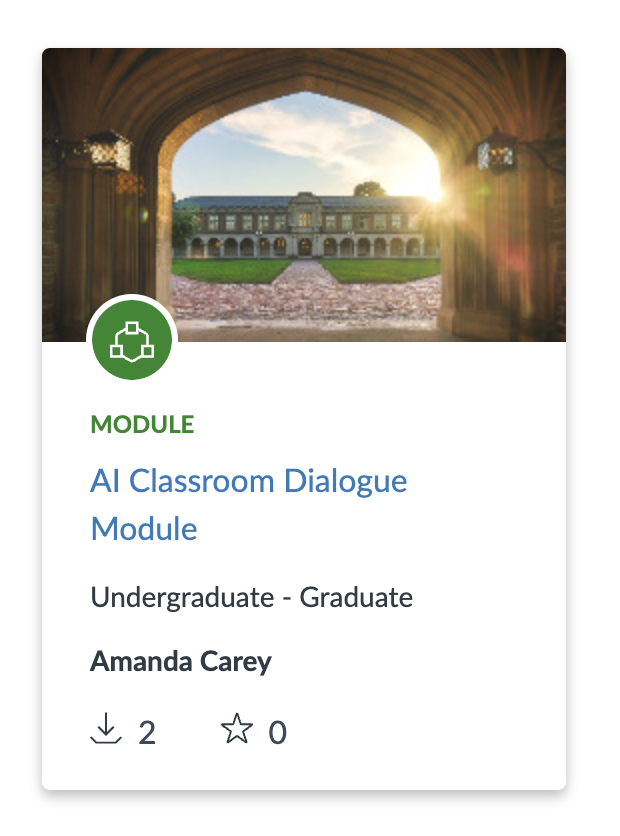
- Search for AI Classroom Dialogue Module and open the module.
- Click Import/Download.
- Select the destination course(s), then click Import to Course.